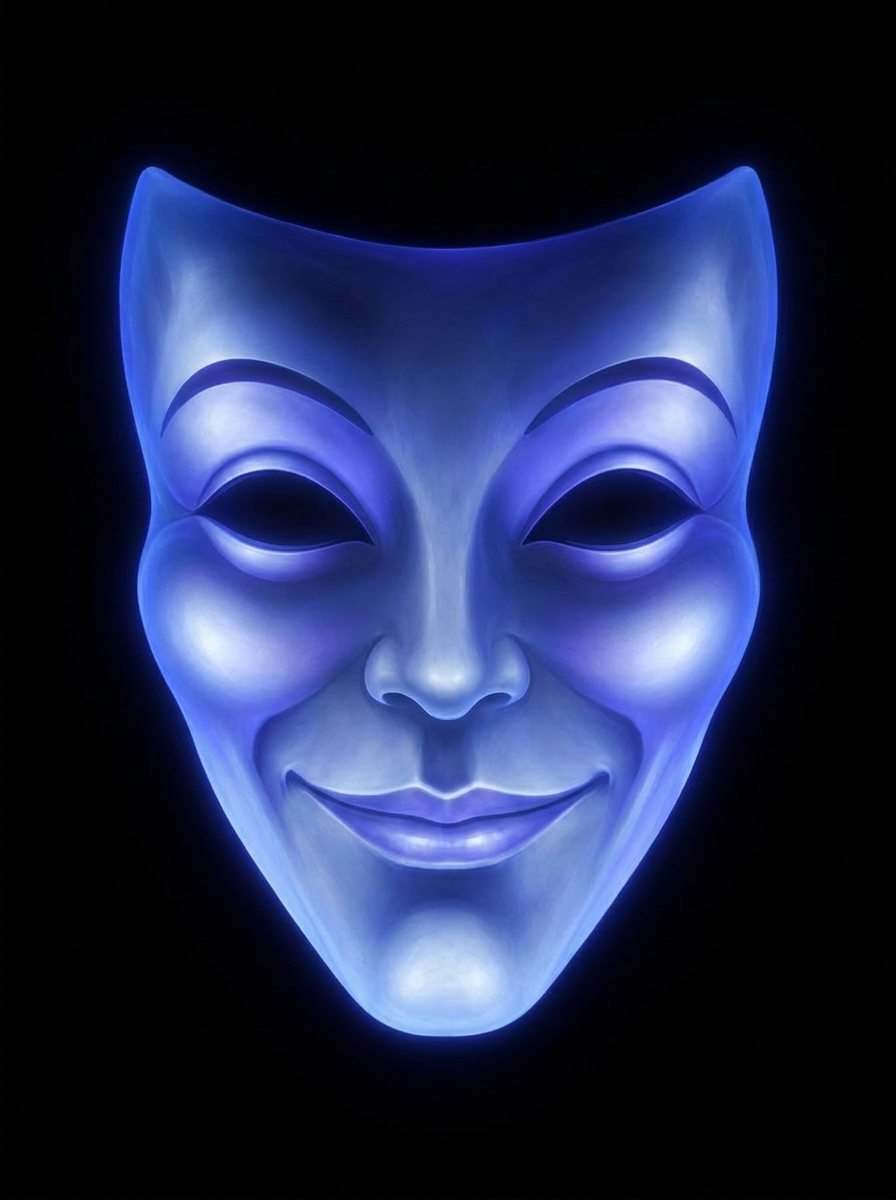

Magic Mirror
Mirror, mirror on the wall…
A talking mirror for Halloween. It listens, answers out loud, and its mouth moves.
One prompt, an evening, about three dollars.
Mirror, mirror on the wall…
A talking mirror for Halloween. It listens, answers out loud, and its mouth moves.
One prompt, an evening, about three dollars.
No microphone, no buttons, no Raspberry Pi, no video editing.
The long one is step three, and that is mostly waiting.
The button below puts the whole thing on your clipboard.
I want to build a talking Magic Mirror for Halloween, like the one in Snow White.
A tablet sits behind two way mirror glass. A glowing mask hangs in the dark. Somebody
says "Mirror, mirror on the wall" out loud and it answers in character, with its mouth
moving. No button and no clicker: I wake it once and it listens all evening.

Everything you need is in this repo, including the mask images and the exact agent
config. Clone it and work from it rather than building from scratch, because the
fiddly parts are already solved in there:

    https://github.com/ugcwithemmap-bit/magic-mirror-kit

Read README.md first. It has the whole design and, more usefully, the list of things
that fail silently. Please actually follow it rather than reinventing it.

Here is what I need from you.

1. Clone the repo and show me the mask. I want to see it before anything else.

2. Walk me through creating my own ElevenLabs agent. I will do the clicking. Tell me
   exactly where to click. Use the included agent/magic-mirror-agent.json via
   "Import agent JSON config" so I get the same persona, voice and timings rather
   than you retyping them. Then have me publish it and give you the agent id.

3. Put my agent id in public/config.js, copied from config.example.js.

4. Deploy it to a URL over https, and tell me the URL. file:// will not work: Chrome
   cannot remember microphone permission for a local file and will ask every few
   seconds forever. I have a Cloudflare account, but use whatever free static host
   you think is simplest and tell me what you picked.

5. Verify as much as you can without a microphone. You almost certainly cannot hear
   audio, so do not tell me it works when you have not heard it. Check the images
   load, the mouth states cross fade, the SDK loads, and a conversation token comes
   back. Then tell me plainly which parts you proved and which parts only I can test.

6. Give me a short checklist for the night itself.

Rules while we do this:

- Tell me what you have actually verified and what you have only assumed. If you
  cannot test something, say so rather than implying it works.
- Say what anything will cost before I spend it, and wait for me to say yes.
- Never ask me to paste an API key into the chat. If a secret is needed, have me put
  it somewhere you cannot read it and tell me where.
- If something breaks, put the error on screen rather than guessing at causes. The
  README explains why.

If I want a different face later, the README has the one technique that matters:
generate the open mouths from the closed one, never from the original, or they will
not line up.
It reads the project, clones it, and walks you through the rest. Ask it anything along the way, it has the whole build written down.
This is the one part nobody can do for you, because it is your account and your credits. Claude tells you exactly where to click, and the voice and personality import in one go.
Open the page, tap once to wake it, allow the microphone, and walk away. It listens all evening on its own.
Claude Code is a developer tool, so step two means installing something if you have not already. You do not need to write any code, but you will be working in a terminal window. If that sounds fine, the rest is easy.